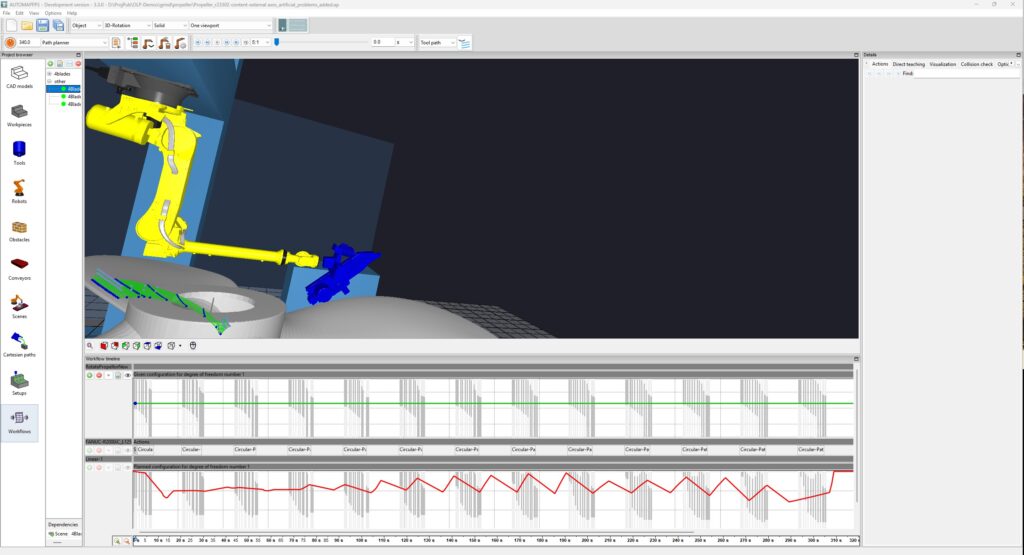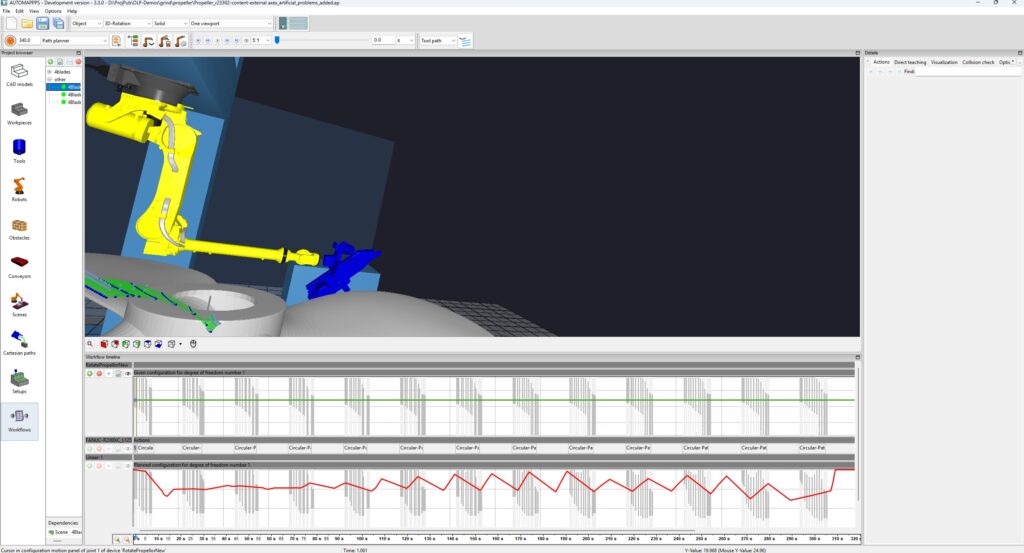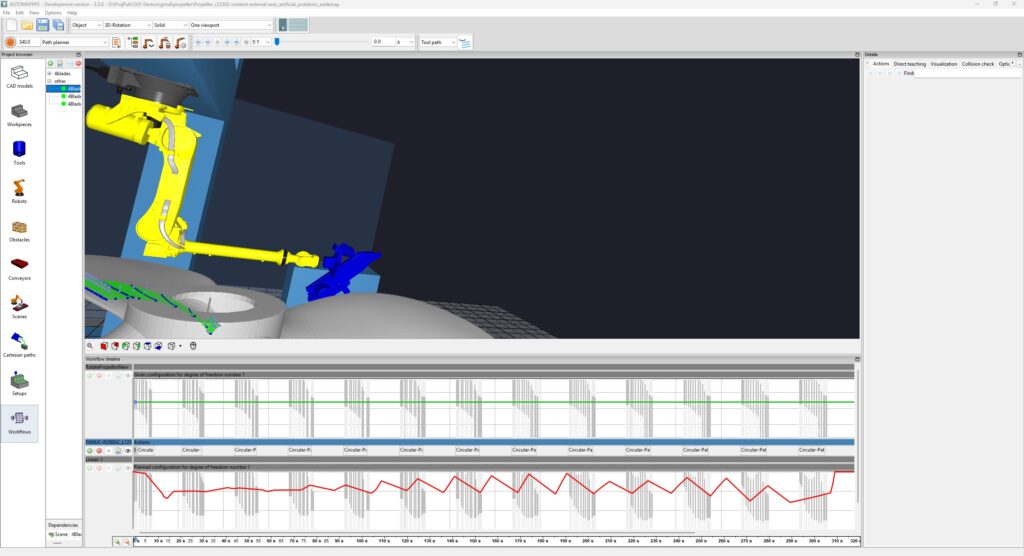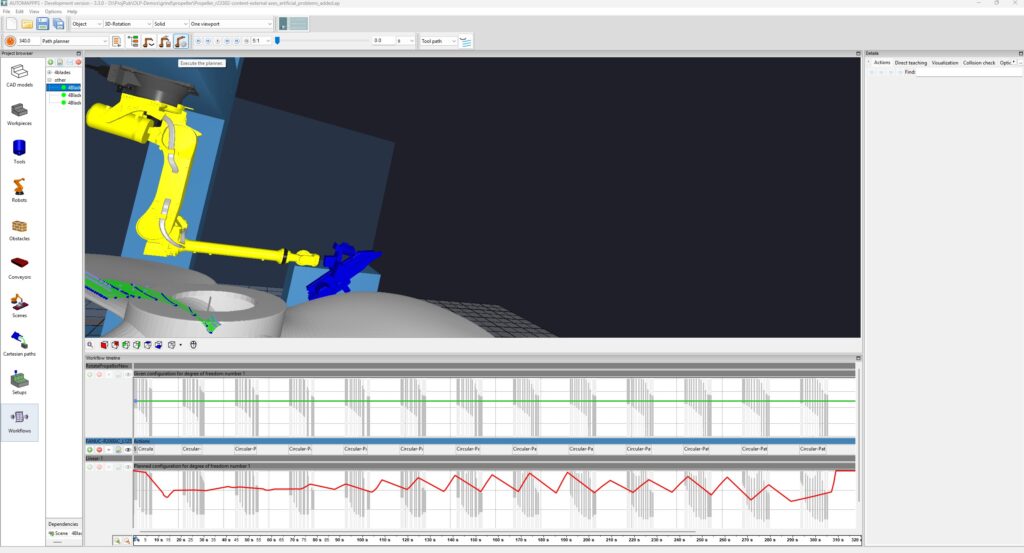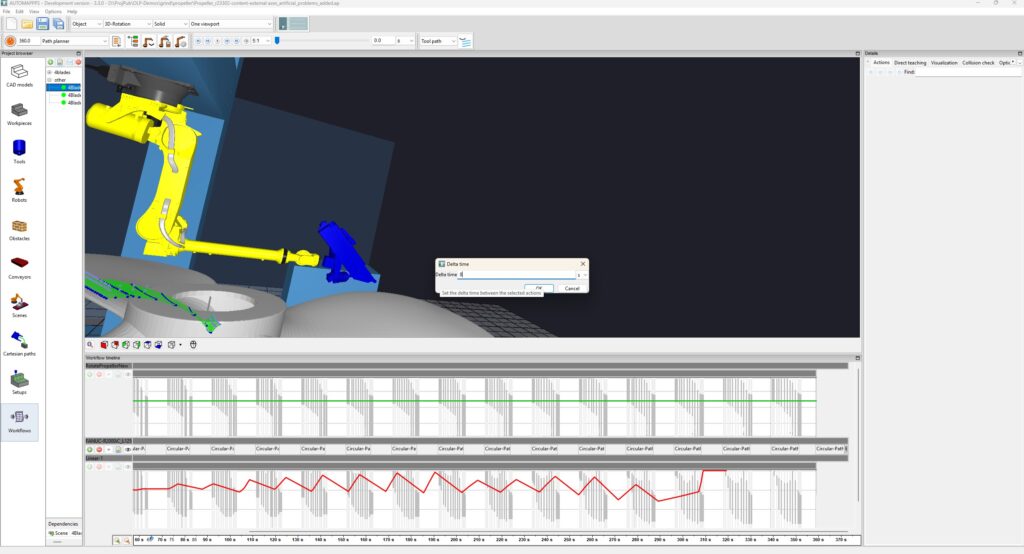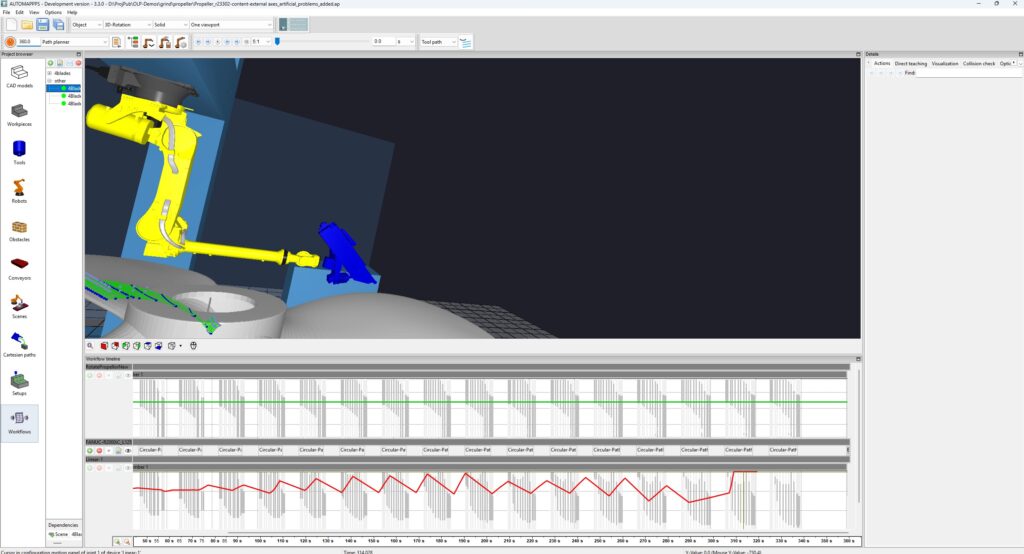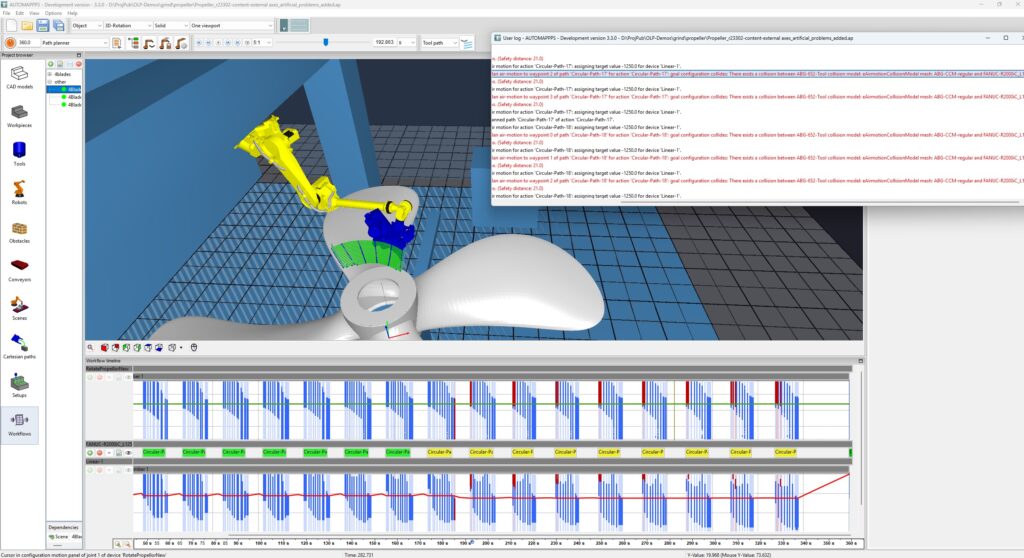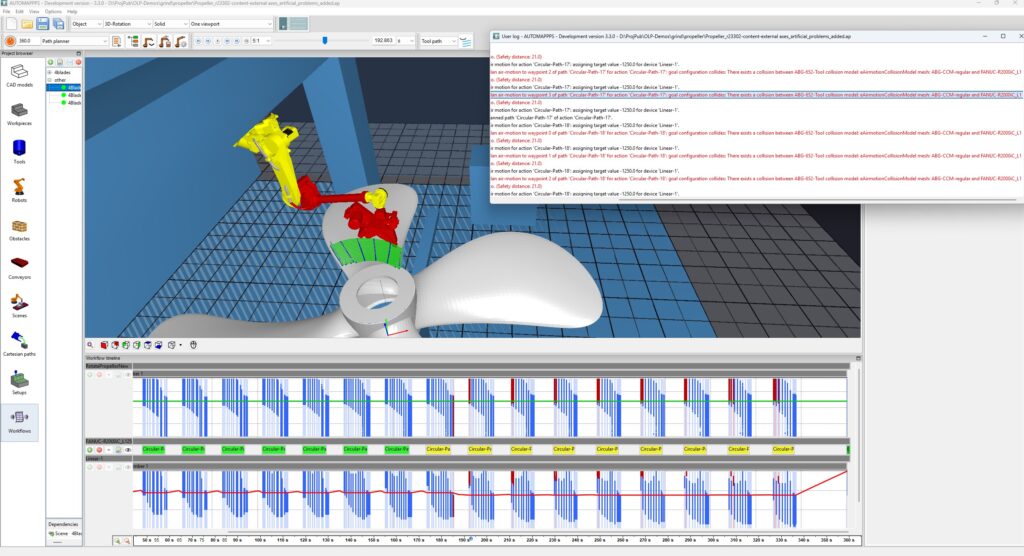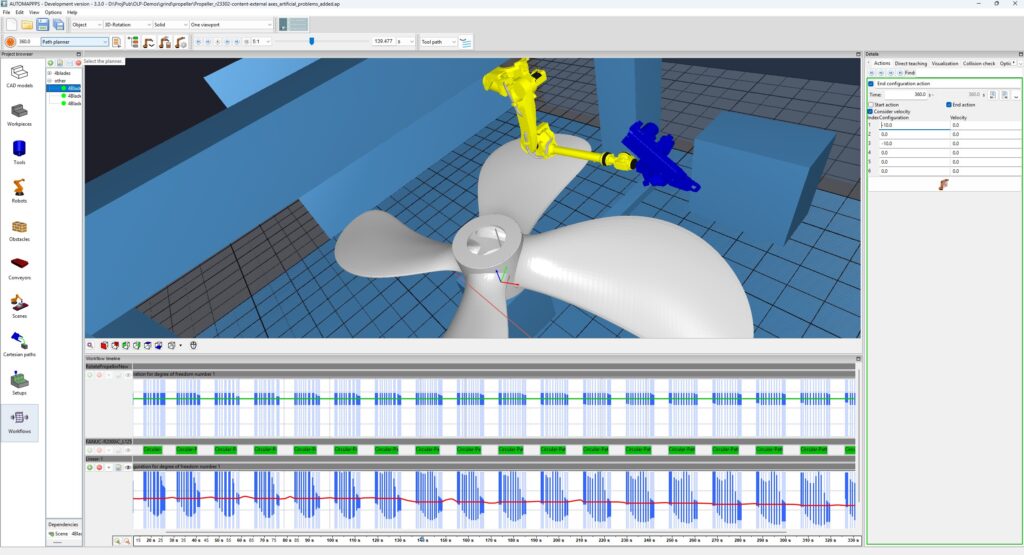
Auxillary axes can be e.g. conveyors or rotation tables which position the part (or the tool in “part-in-hand” work-cells), linear axis which position the robot, or linear or rotation axes connected to the flange of the robot which improve the dexterity of the robot. Due to their heterogoneous nature, we distinguish different cases:
- active external axes are axes which the robot (more precisely the robot controller) can control in their position or orientation – during the operation or task. The position or orientation of those axes are planned by the AUTOMAPPPS motion planner automatically “together” with the robots motion to jointly increase the performance or reach of the robot.
- passive external axes can be controlled by the robot directly or via PLC, but (usually) do not change during the workflow. Their distinguishing property is that their position or otientation is defined by the operator interactively / manually. The operator can even define positions which change over time. The planner will make the robot comply with the user-defined orientations.
- passive conveyors are external axis which can not be controlled by the robot. Their motion is pre-given. Commonly their speed is defined. The planner has to plan the robot motions in a way that the robot and possible its connected external axes deal with that motion
All those different type of axes can exist individually or combined in a robot-cell.
Active External Axes #
TBC
Several elements of this subchapter can also be found at Mixed Active and Passive Axes.
Passive External Axes #
TBC
Several elements of this subchapter can also be found at Mixed Active and Passive Axes.
Mixed Active and Passive Axes #

The video is embedded by YouTube and only loaded and played from there when you click on the play button. From then on, the privacy policy of Google applies.
Above video explains how to:
- assign multiple paths to one action
- split the action (optionally) into 1 action per 1 robot tool path
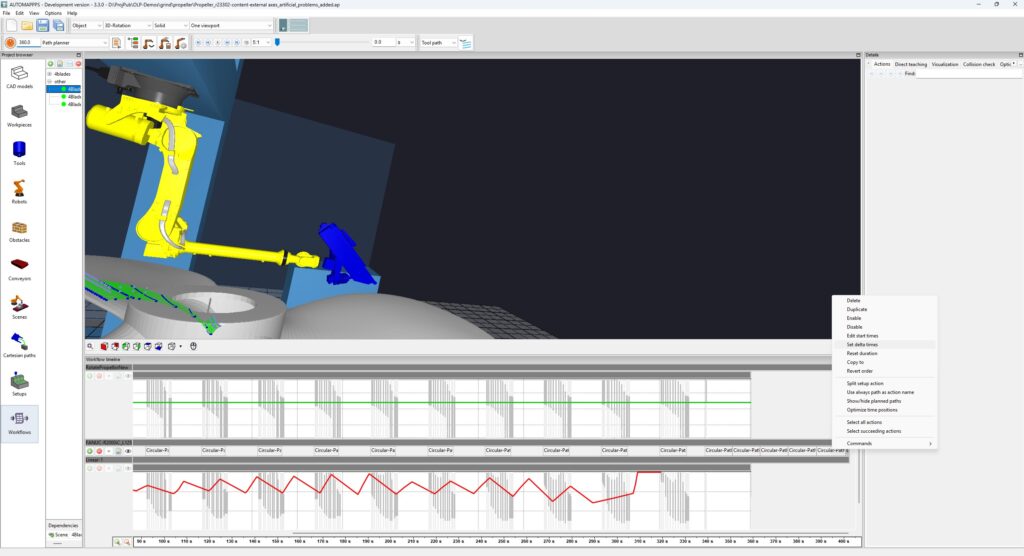
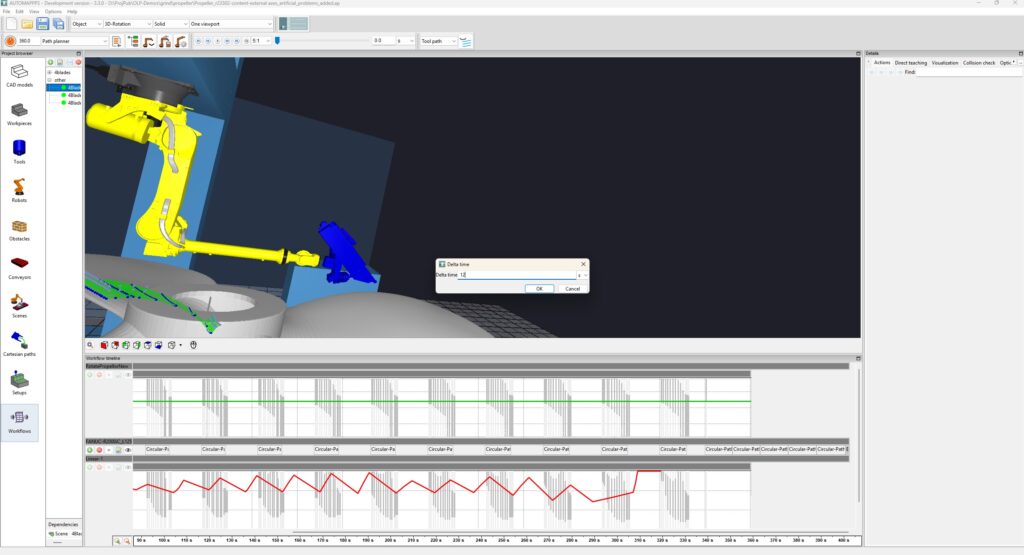
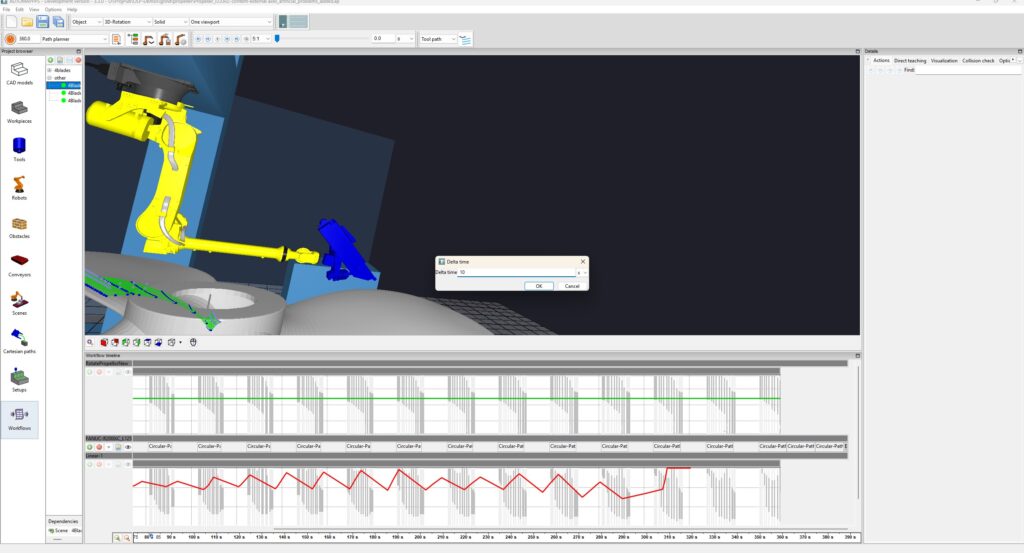
- shift the start time of the first action
- optionally insert a time-gap between actions (for better overview)
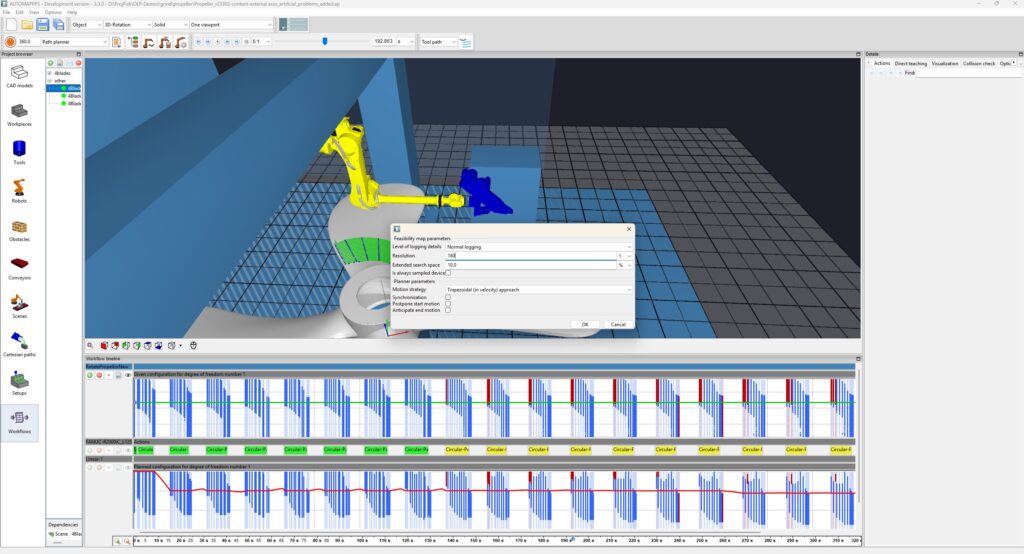
- optionally temporarily deactivate several actions and (faster) calculate the feasibilty map for the fewer remaining ones.
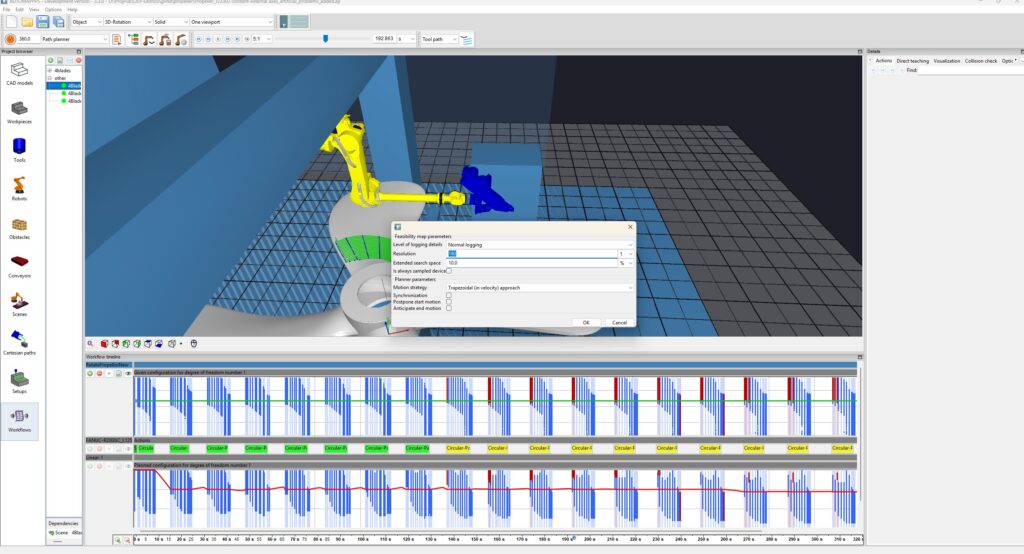
- optionally change the expored range (in %) of the feasibilty of the axes.
- optimize the orientation value of the passive axis – here the rotation table
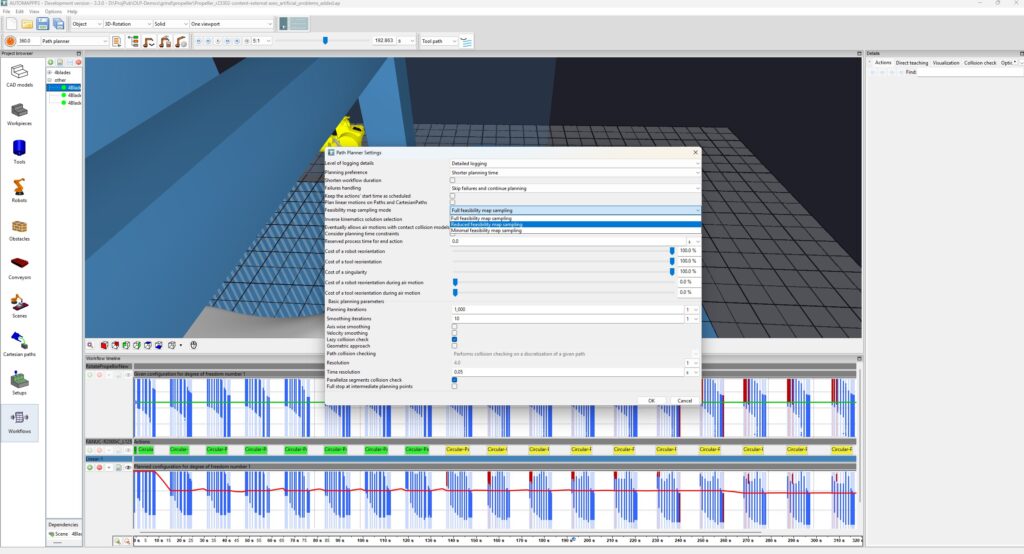
- optionally re-activate all actions, optionally reduce the range of the feasibility that is checked (for faster calculation)
- plan the workflow – i.e. collision free robot motion motion planning and planning of the active axes

The video is embedded by YouTube and only loaded and played from there when you click on the play button. From then on, the privacy policy of Google applies.
Above video explains how to:
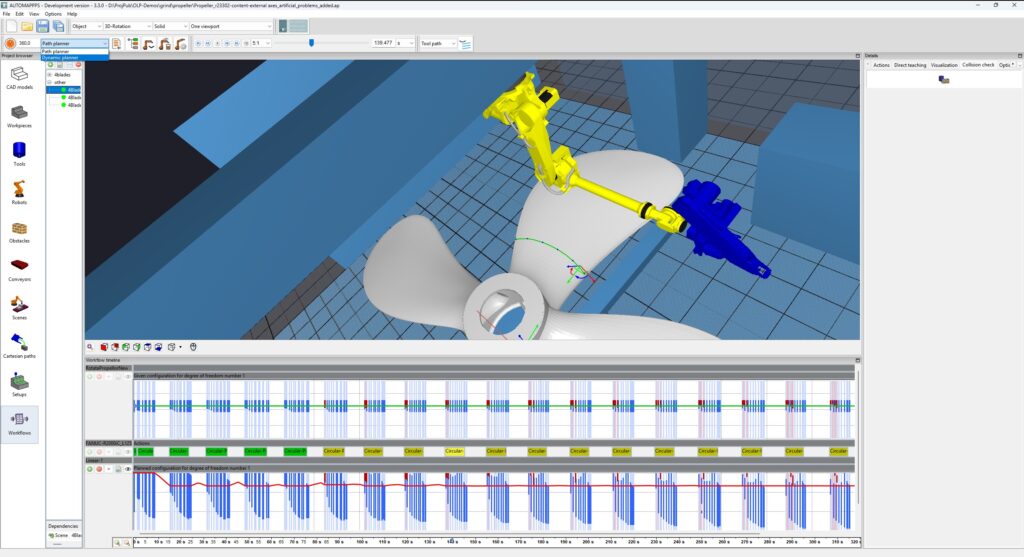
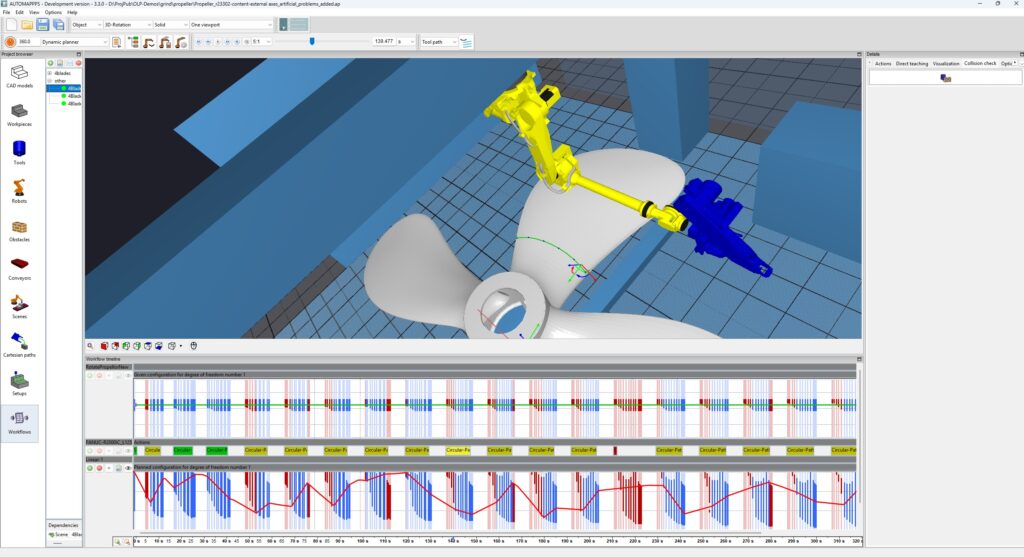
- change from regular path-planning to dynamic planning. In that case the value of the external axis is dnamically changed during the grinding process.
- enable “anticipate end motion”, i.e. have the robot returning to its HOME prior to the end of the cycle time
- enable “shorten workflow duration”, i.e. have the automatic robot motion planner reduce the cycke time.
Example of complex situations #
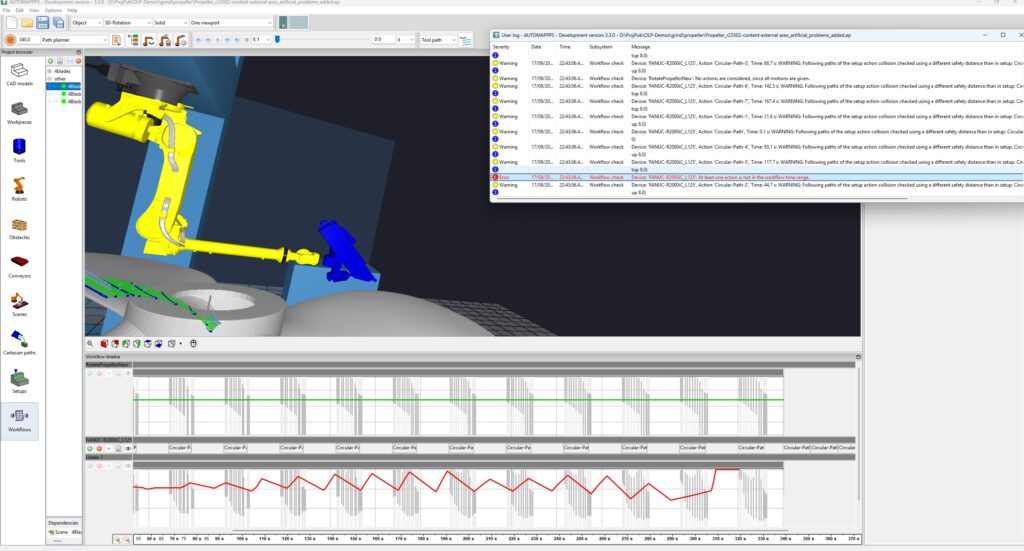
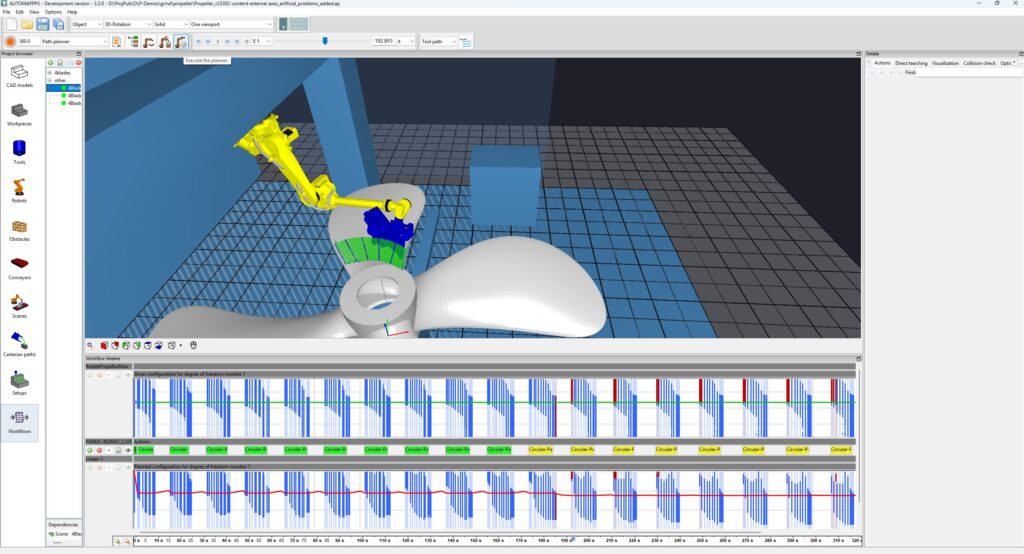
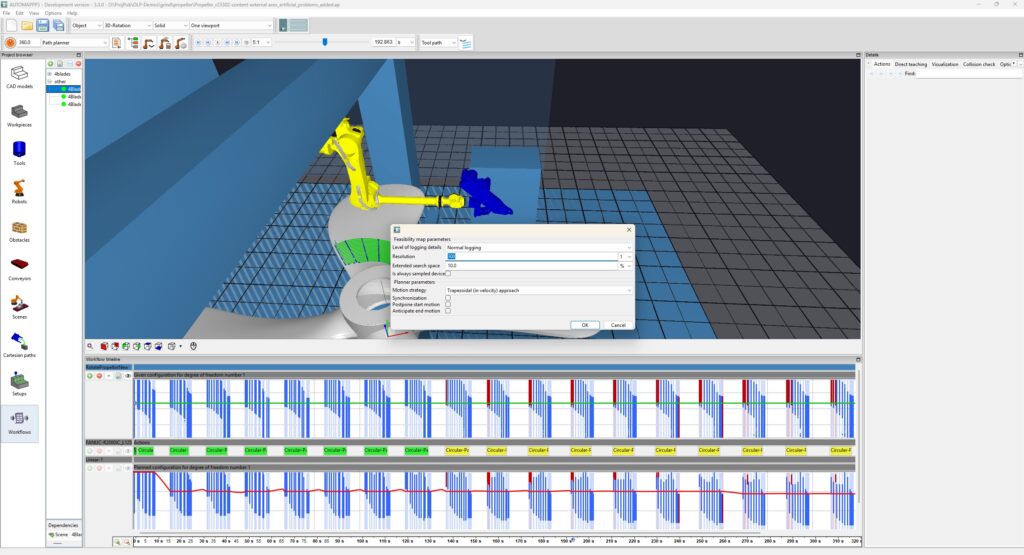
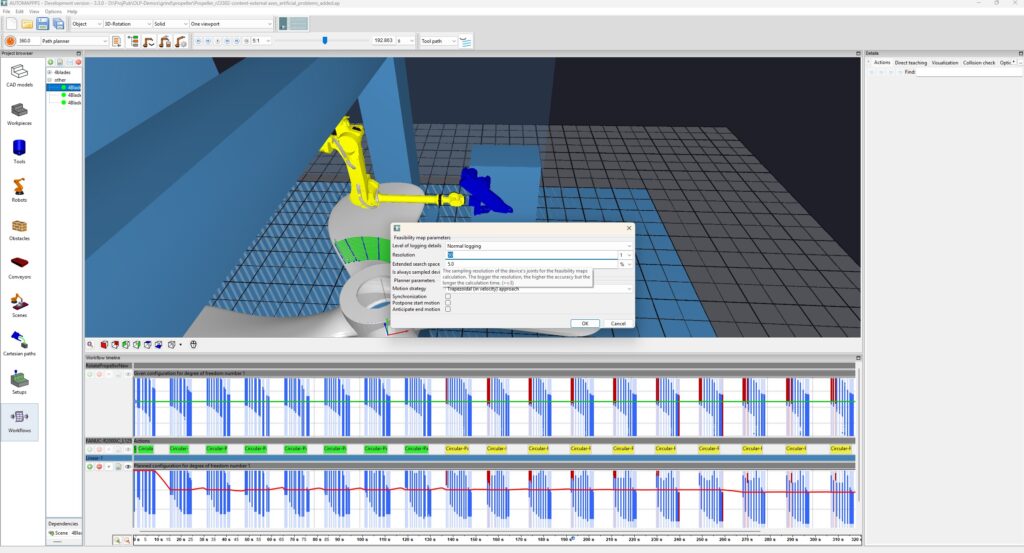
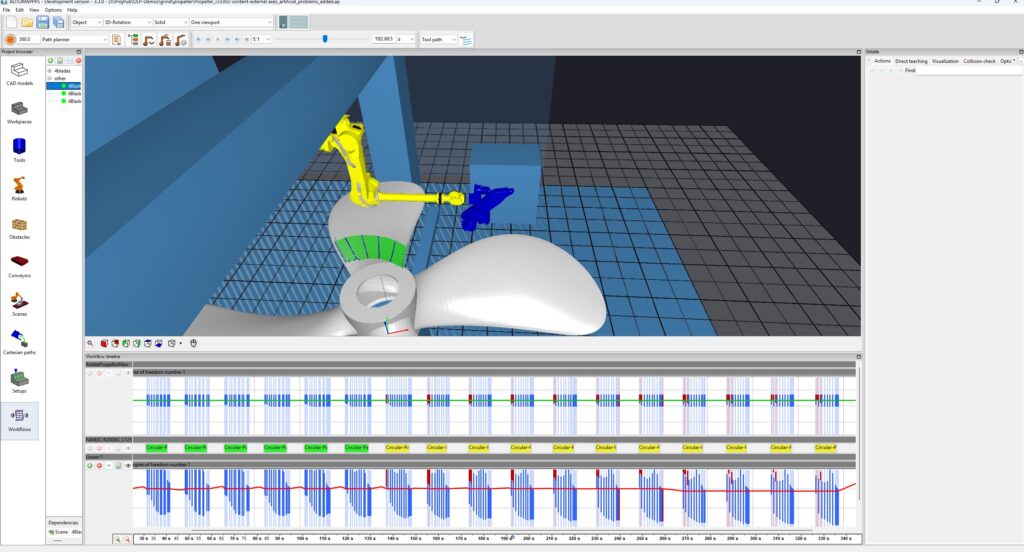
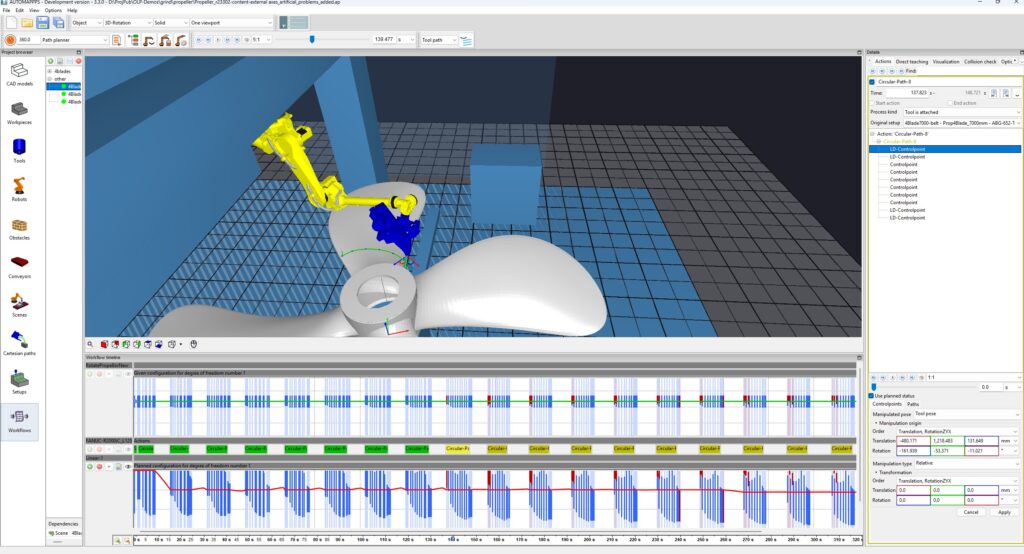
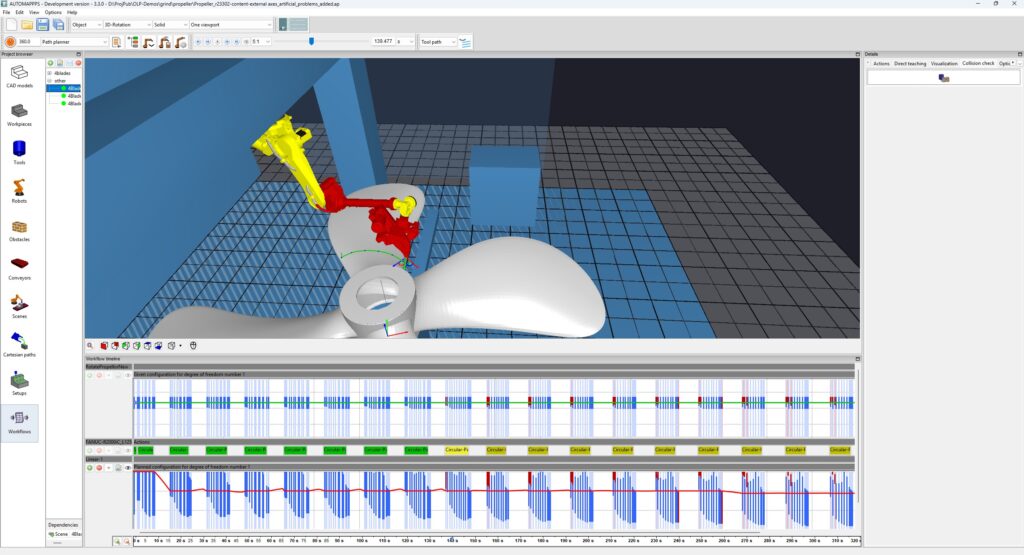
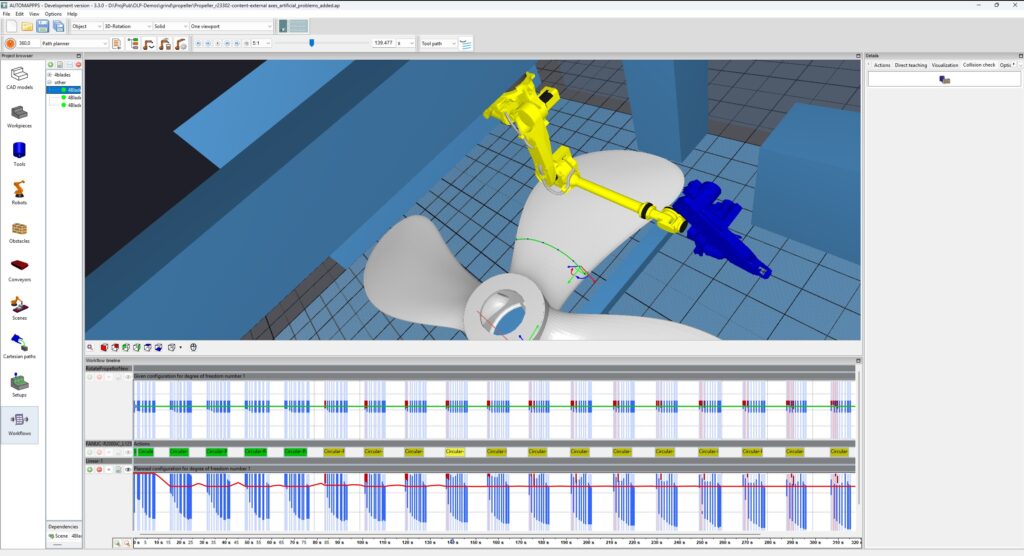
The following example is based on a artificially hard cell. The robot is positioned 1 meter too low.