
Reorder Categories #
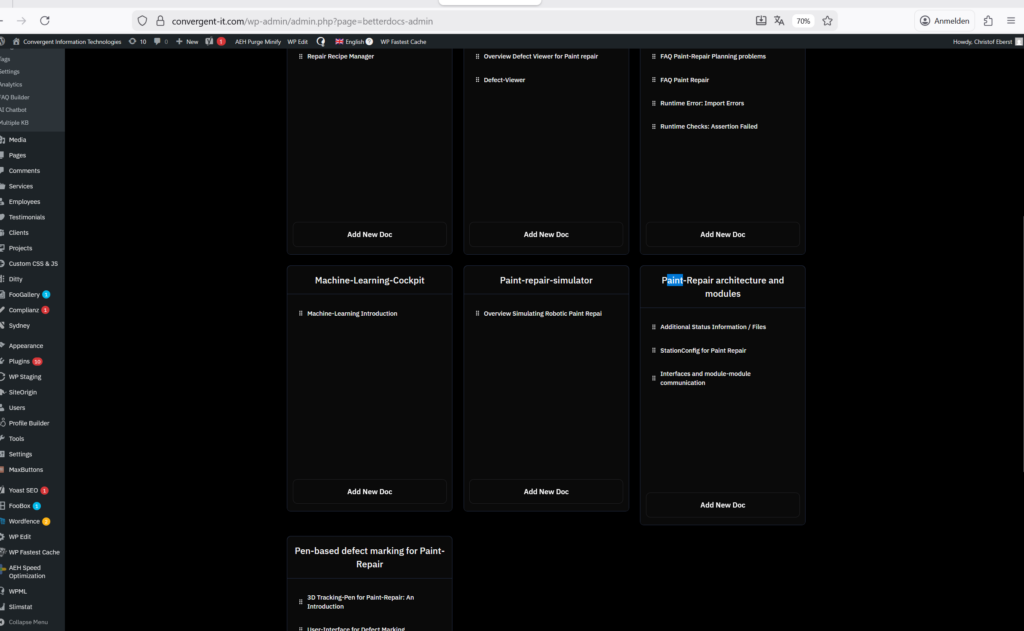
Image: dashboard: the optional feature are not at the end of the dashboard as desired
got to betterDocs categories.
All categories of all knoweldgebases (paint-repair, 3D pen, etc..) are listet now
Search e.g. for “Paint” (or Paint-Repair) … make sure each category of paint-repair has paint or paintg repair in its name!
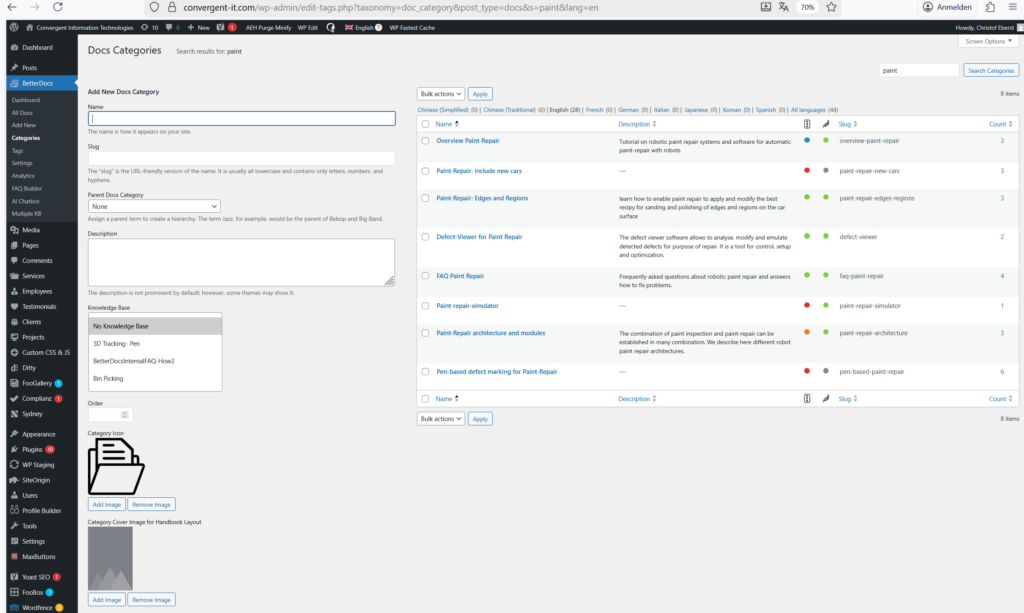
Image: all categories that include the word “paint” are now listed.
You have listed now all categories within the Paint-Repair. Now you can move some categories up or down by drag and drop… that orders the sequence / order onm the website. This is identical to wordpress / appearance / menue
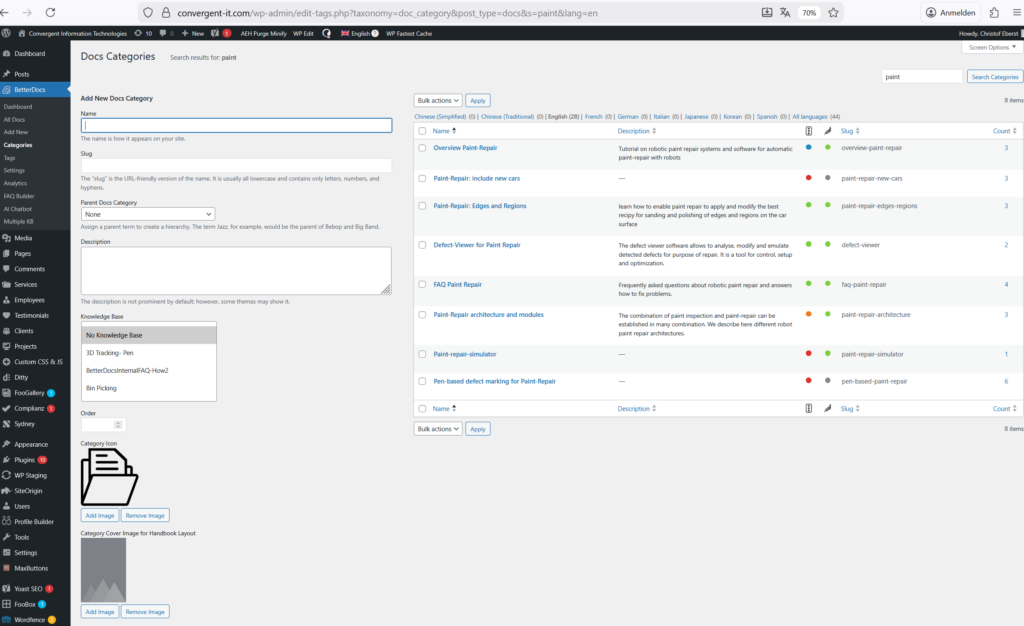
Image: all categories that include the word “paint” after moving one up.
Note: if there are some categories inside a Knowledge-base which are not appearing in aboves list, the reordering will effect them. Thay
Reorder or Reassign Documents Inside the Categories of One Knowledge-Base (e.g. Inside Paint-Repair) #
This one is indeed as simple as you would expect it:
In the betterDocs: Got to the Dasbboard. Chose the modern UI – not the classical. Chose “show all documents”. Before you have seen only the most recent ones. now you see all of them -in a dasbnoard which contains all knoweldges-bases (paint-repair. OLP,..). Now select the Knowlegde-base e.d. “Paint-repair”. Now you see all categories (which are not empty) and all documents that are correctly assigned.
You can now drag and drop insode a category and from one catagory to another.


