
Wellcome to the AUTOMAPPPS tutorial for faster robot programming / robot offline programming.
About the tutorial videos:
- Left mouse-clicks are animated in red, right mouse clicks in green. As mnemonic device: we use the same color coding as in naval position lights.
- Videos are located in youtube. Depending on your browser settings: It can take 3 to 5 seconds untill youtube changes to the high resolution.
- It may be helpfull to simply watch the videos at reduced speed.
The video below introduces you to a unique concept of robot-programming: uncoupling process and robot motions. It shows the main portion of the robot offline programming and simulation task with AUTOMAPPPS software – after the cell is designed. The individual steps are shown in more detail in the following sections, documents and videos. Step by step and section by section / chapter by chapter.
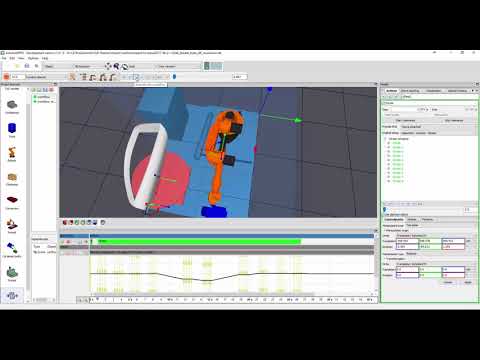
The video is embedded by YouTube and only loaded and played from there when you click on the play button. From then on, the privacy policy of Google applies.
AUTOMAPPPS guides the task of robot offline programming in structured sequence starting with all that is needed to build up the robot cell (robots, axes, tools..). Then tool-paths are defined, simulated and checked if they are feasible. Then those tool-paths are assigned to robots and planned collision-free and singularity-free to establish an optimal workflow. Then you can export executeable robot programs. As user, you can follow one step after the other (from top down) in the project-browser. The browser includes the following „Editors“
- CAD model editor: importing, manipulating and enriching
- Work-piece editor: defining CAD models as part to be treated
- Tool editor: loading tool models, creating tool models, parametrizing process simulation
- Robot editor: loading new robots
- Obstacle editor: defining CAD models as obstacles
- Conveyor editor: defining rails, conveyors, auxiliary axes, rotation tables etc
- Scene editor: to construct the robot cells
- Setup editor: to define and simulate tool-paths
- Workflow Editor to simulate,collision-free plan different assigments of tool-paths to different robots / and or different timings – for an optimal robot job.


